
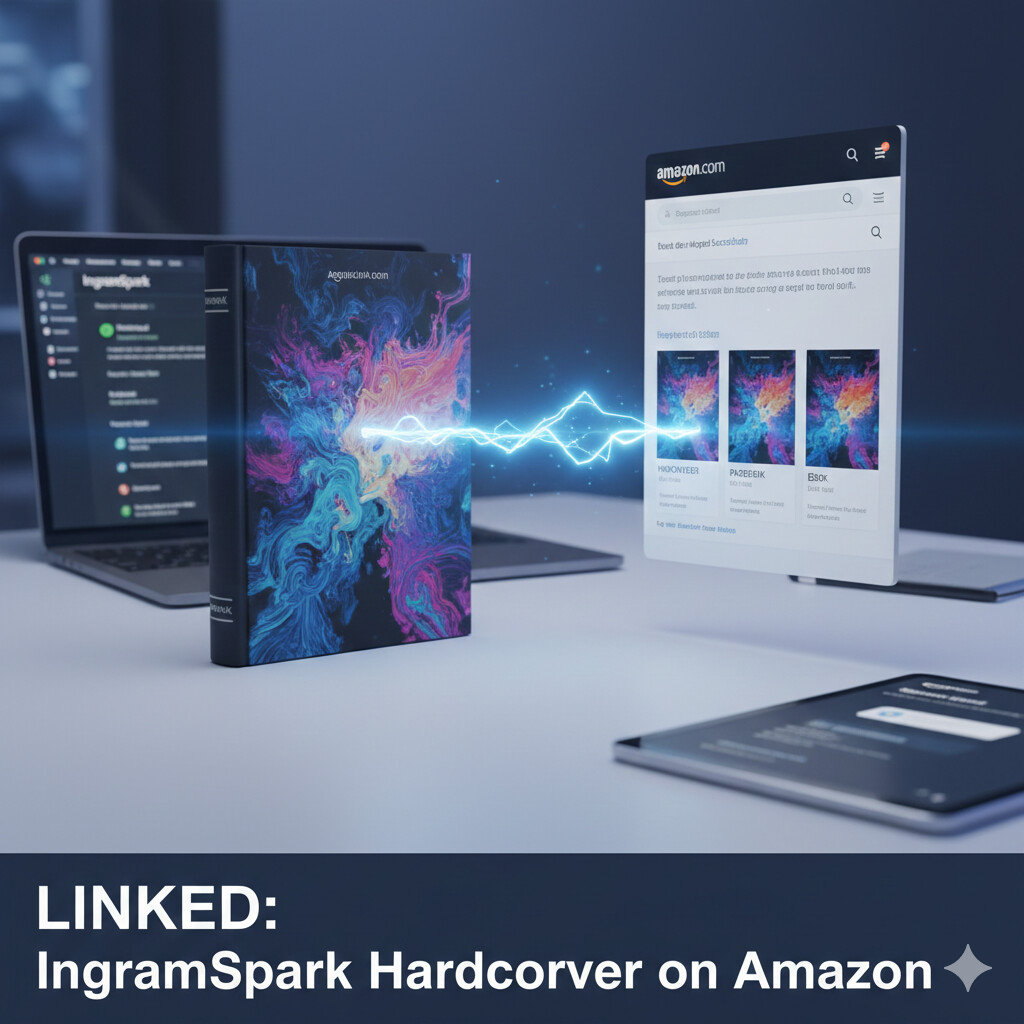
In 2026, the strategy for self-publishing authors is clear: use Amazon KDP for your paperback and ebook to maximize royalties, but use IngramSpark for your hardcover to gain that professional, high-end feel and “wide” distribution to bookstores and libraries.
However, a common point of frustration for authors is seeing their beautiful new hardcover sitting on a lonely, separate Amazon page—or worse, not appearing on Amazon at all.
If you want your IngramSpark hardcover to sit neatly alongside your KDP paperback and Kindle version on a single Amazon product page, you need a specific “order of operations.” Here is your definitive, human-friendly guide on how to link your IngramSpark hardcover to Amazon in 2026.
1. The Golden Rule: Use the Same Metadata
Amazon’s “A10” algorithm (and its 2026 iterations) is designed to automatically group different versions of the same book. It looks for three “Golden Matches.” If these don’t match exactly, the system will assume they are different books.
- The Title: Every character must be identical. If your KDP version is “The Great Adventure” and your IngramSpark version is “The Great Adventure: A Novel,” they will not link.
- The Subtitle: Again, exact matching is required.
- The Author Name: “J.R. Smith” and “JR Smith” are two different people to a computer.
The Fix: Go into your IngramSpark dashboard and your KDP dashboard. Open them side-by-side. Copy and paste the text from one to the other to ensure zero discrepancies.
2. The ISBN Factor: Owning Your Number
In 2026, you cannot “link” a book if you are using Amazon’s free ISBN for your hardcover. To have full control and ensure a smooth link with IngramSpark, you must purchase your own ISBN (from Bowker in the US, Nielsen in the UK, etc.).
- Remember: A hardcover requires a different ISBN than your paperback.
- However, the publisher name associated with the ISBN must be the same on both platforms. If you listed yourself as “Author Name” on Bowker but “Blue Sky Publishing” on IngramSpark, the link might break.
3. The “Order of Operations” for 2026
To avoid “duplicate listing” headaches, follow this sequence:
- Set up KDP first: Upload your eBook and Paperback. Get them live or in “Pre-order” status.
- Upload to IngramSpark: Use your own purchased ISBN for the hardcover version.
- Enable Distribution: On IngramSpark, ensure “Global Distribution” is checked. This “pushes” the data to the Ingram database, which Amazon then “pulls” from.
- Wait 72 Hours to 2 Weeks: It is not instant. Amazon’s scrapers take time to find the new ISBN in the global catalog and associate it with your existing Author Name and Title.
4. How to Manually Force the Link (The Secret Sauce)
If 10 days have passed and your hardcover is still floating in the void, don’t panic. You can manually request a merge through Amazon Author Central.
- Log into author.amazon.com.
- Go to the “Books” tab.
- Click “Add a Book.”
- Search for your hardcover using its ISBN-13.
- Once found, click “This is my book.” By claiming the book in Author Central, you are telling Amazon’s backend, “These all belong to me.” Usually, within 48 to 72 hours of claiming the book, the algorithm will merge the hardcover onto your main product page.
5. Troubleshooting Common 2026 Issues
“My hardcover says ‘Out of Stock’ or ‘Available in 3-4 weeks'” This is a classic “Amazon vs. Ingram” hurdle. Because Amazon wants you to use KDP for everything, they sometimes prioritize their own stock.
- The Fix: Ensure your wholesale discount on IngramSpark is set to at least 40% to 55%. If the discount is too low (e.g., 30% or 35%), Amazon may refuse to stock it, leading to those “delayed shipping” messages.
“The price on Amazon is different than what I set on Ingram” Third-party sellers often “squat” on new listings. Once your book propagates and Amazon begins fulfilling it directly through the Ingram relationship, the price should stabilize to your MSRP (Manufacturer’s Suggested Retail Price).
6. Why Formatting Matters for the Link
In 2026, Amazon’s automated “Look Inside” feature can sometimes glitch if your interior files vary wildly in page count between the paperback and hardcover. While the physical dimensions (trim size) will differ, your Internal Page Count should be almost identical.
If your KDP paperback is 300 pages and your Ingram hardcover is 350 pages (due to different font sizes or spacing), Amazon might flag them as different editions. Professional formatting ensures that your “Reflow” is consistent across all versions, making the linking process seamless for the algorithm.
Take the Stress Out of the Technicals with Ghostwriting Solution
Navigating the 2026 publishing landscape is hard enough without having to worry about metadata conflicts, ISBN registration, and distribution glitches. You should be spending your time writing your next masterpiece, not fighting with a dashboard.
At Ghostwriting Solution, we don’t just write your story; we handle the entire technical architecture of your launch. From professional interior formatting that matches perfectly across KDP and IngramSpark to managing your Author Central setup, we ensure your book looks flawless the moment it hits the market.
Ready to see your hardcover, paperback, and eBook perfectly synced on Amazon? Let the experts handle the heavy lifting. Contact Ghostwriting Solution today for a free consultation on our “Start-to-Finish” publishing packages. We’ll make sure your transition from manuscript to a global bestseller is smooth, professional, and profitable.

